
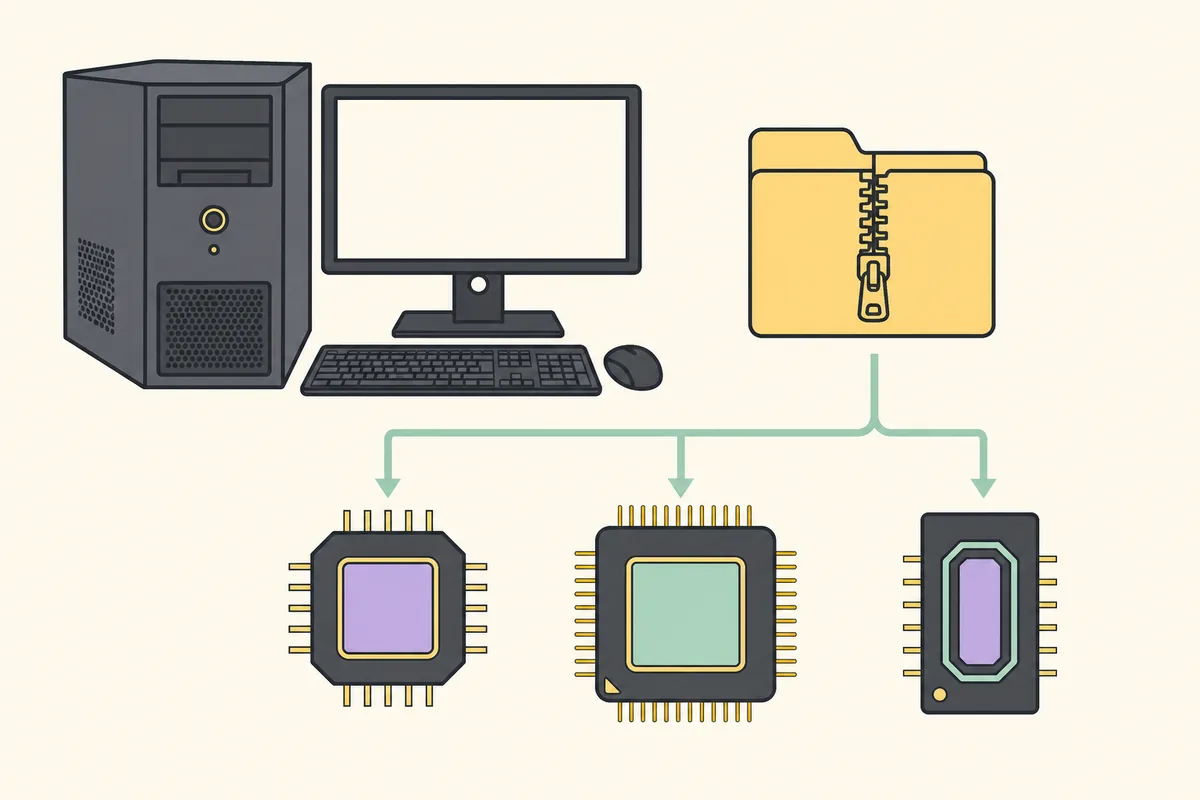
Download RAMMap.zip from Microsoft Sysinternals, select Extract All, then run RAMMap64.exe on most Intel or AMD PCs or RAMMap64a.exe on Windows on ARM. Verify the Microsoft signature before elevation. RAMMap v1.63 is portable and does not use a traditional installer.
Before you install RAMMap
Microsoft describes RAMMap as an advanced physical-memory analyzer for Windows Vista and later, including Windows 11 and Windows 10. The same official archive also supports Windows Server 2008 and later. You need permission to run an elevated desktop utility because RAMMap queries system-wide memory information.
Create a permanent folder such as C:\Tools\RAMMap if you plan to save snapshots or use the program repeatedly. Avoid leaving the only copy inside Downloads, and do not run it directly from the compressed ZIP. Extracting first makes updates, saved files and shortcut targets predictable.
If the computer belongs to an employer or school, confirm that portable administrative utilities are permitted before installation. Application-control policies may block a genuine Microsoft-signed tool by design. Use the approved software request process rather than moving or renaming the executable to evade that control.
- A supported Windows client or server release.
- An account that can approve administrator elevation.
- The official ZIP or the exact Microsoft WinGet package ID.
- Enough free space for the small utility and any snapshots you save.
Install RAMMap from the official ZIP
Use the verified RAMMap download page or Microsoft's official RAMMap page. The direct file is served by download.sysinternals.com. This site does not proxy, repackage or modify it. Version check: the official Microsoft RAMMap page lists v1.63. On August 13, 2026, the stable ZIP returned HTTP 200 and measured 719 KB; use the official file rather than a repackaged mirror.
- Download RAMMap.zip
Start the official download and save the 719 KB archive. Version 1.63 was published March 26, 2026.
- Extract all files
Right-click the ZIP, choose Extract All and select a normal folder. The archive contains RAMMap.exe, RAMMap64.exe, RAMMap64a.exe and Eula.txt.
- Select the right build
Run RAMMap64.exe for normal 64-bit Intel or AMD Windows, RAMMap64a.exe for ARM64, or RAMMap.exe only for a 32-bit operating system.
- Review elevation
Windows should identify a Microsoft-signed executable. Approve elevation only after the source and signature match your expectations.
- Accept the EULA
Read and accept the Sysinternals license on the first launch. RAMMap then opens directly; there is no background service to configure.
RAMMap64 vs RAMMap64a vs RAMMap.exe
The names identify processor architecture, not feature editions. All three builds expose the same RAMMap views. A typical Windows 11 or Windows 10 computer with an Intel Core, Intel Xeon, AMD Ryzen or AMD EPYC processor uses the x64 build named RAMMap64.exe.
| Executable | Windows architecture | How to confirm |
|---|---|---|
| RAMMap64.exe | 64-bit Intel or AMD (x64) | Settings > System > About shows a 64-bit operating system and x64-based processor. |
| RAMMap64a.exe | Windows on ARM (ARM64) | System type mentions an ARM-based processor, commonly a Snapdragon device. |
| RAMMap.exe | 32-bit Windows (x86) | System type explicitly reports a 32-bit operating system. |
The a in RAMMap64a refers to ARM64. Do not select it merely because it appears newer than RAMMap64.exe.
Install RAMMap with WinGet
WinGet can acquire the same Microsoft Sysinternals portable package and makes the package identity explicit. Open a normal PowerShell or Terminal session, run the exact command below and review the source shown by WinGet. The verified package version is 1.63 and the package ID is Microsoft.Sysinternals.RAMMap.
winget install --id Microsoft.Sysinternals.RAMMap --exactCreate a repeatable portable RAMMap setup
When you install RAMMap on Windows, keep the extracted files together in a clearly named folder instead of scattering individual executables across Downloads or the desktop. A path such as C:\Tools\RAMMap makes the source, architecture and update process easy to explain later. Keep Eula.txt with the executable set so the license shipped with that release remains available.
Create a shortcut only after confirming which architecture works. Point the shortcut directly to RAMMap64.exe on a normal x64 Intel or AMD system or RAMMap64a.exe on Windows on ARM. Name the shortcut RAMMap rather than copying or renaming the executable itself. A stable shortcut lets you replace the files during an update without changing the user's normal launch point.
Decide where saved snapshots belong before the first investigation. Put them in a separate case or diagnostics folder with the date, machine and workload in each filename. Do not store snapshots inside the program folder if an automated software process replaces that folder during updates. A repeatable layout helps another technician distinguish the utility from the evidence it produced.
If several administrators install RAMMap on Windows computers, document the official source URL, current version, selected executable and verification date in the local support record. This does not turn a portable utility into a background service. It simply makes the next RAMMap installation or update auditable and prevents an old copy from being mistaken for the current signed release.
The same layout also makes it easier to install RAMMap on Windows test machines consistently. Change the architecture only when System type requires it; keep the source, version check and snapshot naming policy the same.
A portable tool still benefits from a stable folder, a verified shortcut, separate evidence storage and a documented update owner.
Verify the RAMMap download before running it
Open file Properties, select Digital Signatures and inspect the Microsoft signature. For higher-assurance checks, calculate the ZIP SHA256 and compare it with the current WinGet manifest. The verified v1.63 ZIP hash on August 13, 2026 is 6536A8107A3FB391E4443F2742366067341A7DA50DE89F99CA0B2390120DD0CC.
A checksum identifies exact file bytes; a digital signature also links the executable to its signer and lets Windows validate that signed content has not changed. Use both when a file arrived through an indirect transfer. See the RAMMap safety guide for a complete verification workflow.

Update or remove RAMMap
For a manual ZIP installation, update by downloading the current official archive, closing RAMMap and replacing the extracted executables. Keep saved memory snapshots separately. Do not preserve an old executable merely because the filename is unchanged; Microsoft updates the same archive URL.
To remove a manually extracted copy, close RAMMap and delete the folder and any shortcut you created. A portable copy does not add a persistent optimizer service. If WinGet installed it, use winget uninstall --id Microsoft.Sysinternals.RAMMap --exact. RAMMap snapshots remain wherever you saved them.
Install RAMMap FAQ
Does RAMMap need installation?
No setup wizard is required. For the official RAMMap download, use the Microsoft Sysinternals ZIP or the exact Microsoft.Sysinternals.RAMMap WinGet package, then extract or install the portable files and choose the correct architecture.
Which RAMMap file should I run on Windows 11?
Most Windows 11 PCs use RAMMap64.exe. Use RAMMap64a.exe only on Windows on ARM, and RAMMap.exe only on a 32-bit system.
Can I run RAMMap without administrator rights?
RAMMap normally needs elevation to query system-wide physical memory details. A non-elevated launch may fail or provide an incomplete result.
Where does WinGet install RAMMap?
The exact location can vary with WinGet's portable package handling. Use WinGet list or the registered command location rather than assuming a fixed Program Files folder.
Is RAMMap available in the Microsoft Store?
Availability and presentation can change. The verified choices used by this guide are the official Sysinternals ZIP and the Microsoft.Sysinternals.RAMMap WinGet package.
Download the current RAMMap ZIP
Get v1.63 directly from Microsoft's Sysinternals download host.