Use Counts
Summarizes physical pages by type and paging-list state. It is the best first view for comparing active, standby, modified, free, mapped-file, process-private and kernel allocations.
Download RAMMap v1.63, the free Microsoft Sysinternals physical memory analyzer. Get the verified official ZIP for Intel, AMD and ARM64 Windows PCs, then use the practical guidance below to choose the correct executable and inspect memory safely.

6536A8107A3FB391E4443F2742366067341A7DA50DE89F99CA0B2390120DD0CCThis RAMMap download page checks the version, file size, release date, download URL and checksum against Microsoft Learn, the official Sysinternals download host and the Microsoft WinGet manifest. The latest verification was completed on July 13, 2026.
After the RAMMap download, you have an advanced physical memory usage analyzer created by Mark Russinovich and published as part of Microsoft Sysinternals. Windows Task Manager can show that memory is in use, available, cached or committed, but it does not expose every physical page category in the same detail. RAMMap organizes that lower-level data into views for processes, files, page priority, physical ranges and memory use types.
The utility is most useful when a Windows PC appears to use a large amount of RAM and the normal process list does not explain it. A high mapped-file total may be file cache rather than a leaking application. A large driver-locked or nonpaged amount may point toward a driver. A full standby list may still represent reclaimable cache rather than unavailable memory. RAMMap helps distinguish these cases before you close programs or clear anything.
RAMMap is portable. The official ZIP contains RAMMap.exe, RAMMap64.exe, RAMMap64a.exe and the Sysinternals license file. It does not need a conventional installer. Because the program queries system-wide memory information, Windows normally asks for administrator approval when it starts. You can refresh the display, save a memory snapshot and later load that snapshot for comparison. This RAMMap download page keeps the verified release facts beside those setup choices so the file and instructions stay aligned.
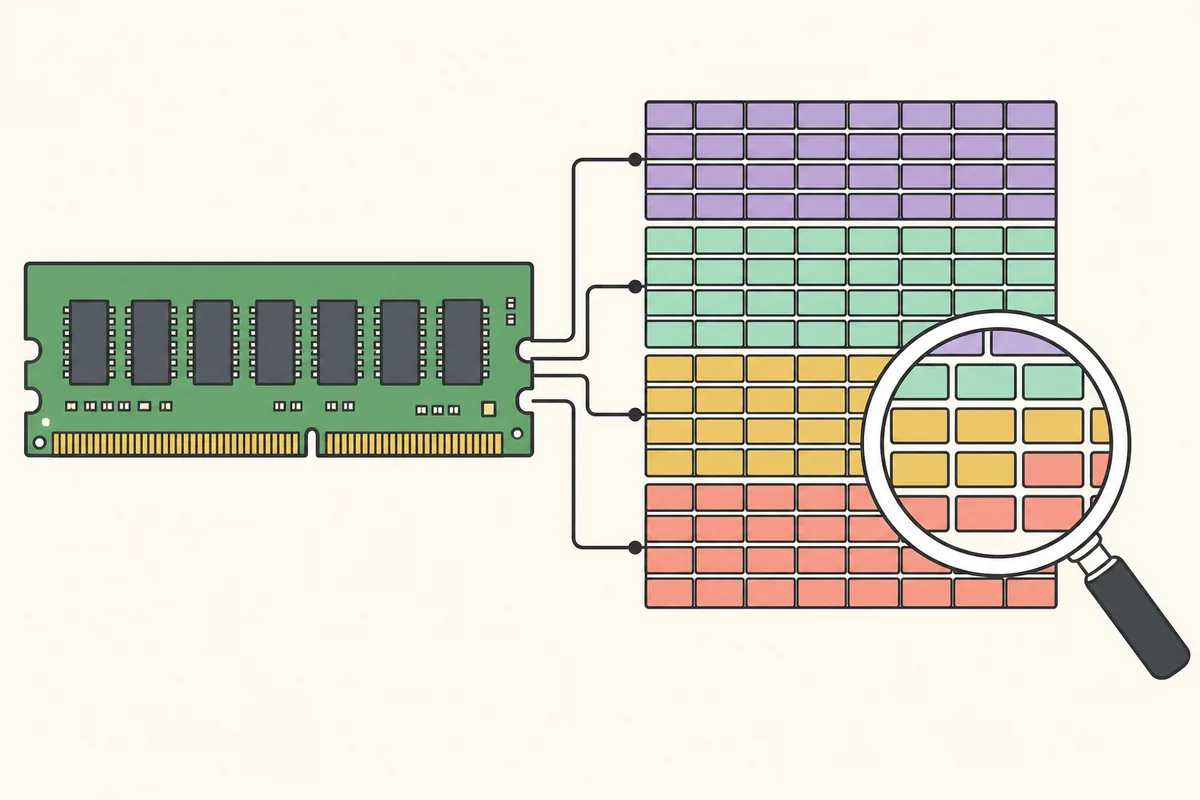
There is no setup wizard. Download the official archive, extract it to a normal folder, choose the executable that matches the processor architecture and run it with administrator permission.
Use the button above. After the countdown, the browser requests RAMMap.zip directly from Microsoft's Sysinternals download server.
Open the ZIP and select Extract All. Do not repeatedly run the program from inside the compressed folder because saved snapshots and updates are easier to manage in a normal folder.
Most Windows 11 and Windows 10 PCs use RAMMap64.exe. ARM-based Windows devices use RAMMap64a.exe. Only 32-bit Windows needs RAMMap.exe.
Start the selected file, review the genuine Microsoft publisher information in the security prompt and approve administrator access. Accept the Sysinternals license on first launch.
winget install --id Microsoft.Sysinternals.RAMMap --exact| File | Processor | Use it when |
|---|---|---|
| RAMMap64.exe | x64 / AMD64 | Your Intel or AMD PC runs 64-bit Windows; this is the normal choice for most Windows 10 and 11 systems. |
| RAMMap64a.exe | ARM64 | Your device uses a Qualcomm Snapdragon or another ARM64 processor and runs Windows on ARM. |
| RAMMap.exe | x86 / 32-bit | Windows System type explicitly says 32-bit operating system. It is not the preferred file for a modern 64-bit PC. |
RAMMap64a does not mean a newer or more powerful edition. The final letter identifies the ARM64 build. Choosing the wrong architecture normally prevents the program from opening; it does not unlock extra features. Return to this RAMMap download page when a later release changes the archive or architecture guidance.
Each tab answers a different memory question. Start with Use Counts for the overall shape, then move to a process or file view only after you know which category is unexpectedly large.
Summarizes physical pages by type and paging-list state. It is the best first view for comparing active, standby, modified, free, mapped-file, process-private and kernel allocations.
Compares process working sets and breaks them into private, shareable and shared pages. Use it when Task Manager points toward a particular application but you need a physical-memory view.
Shows standby pages by priority. This helps explain how much cached memory Windows can reclaim and which priority groups currently hold it.
Maps individual physical pages by use, process, file or page-list state. It is detailed and can be expensive to refresh on a machine with a large amount of RAM.
Displays physical address ranges. This is mainly useful for low-level troubleshooting and understanding how installed memory is exposed to Windows.
Ranks files whose data is resident in RAM. It can reveal a large database, virtual disk, game archive or other file behind a high mapped-file total.
Shows individual physical pages associated with files. Use filters and sorting because this view can contain a very large number of rows.
Refresh updates the live view. Save and Load let you capture a memory state before a workload and compare it with a later state without relying on memory.
The Empty menu can request that Windows trim selected lists. These commands are diagnostic tools, not routine performance boosters, and should be used only after you understand the target list.

The genuine RAMMap utility is a legitimate Microsoft Sysinternals program. The safest way to obtain it is from the official Sysinternals hostname used by the button on this page or through the Microsoft WinGet package ID. Avoid repackaged installers, download wrappers and archives that add unrelated software. This independent site does not host or alter the executable files.
Administrator access is expected because RAMMap reads system-wide physical memory information. Elevation alone is not evidence of malware. Before approving the prompt, check that the file came from the Microsoft archive and inspect the Digital Signatures tab in file Properties. The signer should be Microsoft Corporation or the current Microsoft signing identity shown by Windows.
Viewing memory is low risk. Clearing working sets, standby lists or modified pages can temporarily reduce cached data, increase disk activity, slow applications and distort the state you were trying to diagnose. Save work first, collect a snapshot and use the least disruptive command that answers the troubleshooting question. Windows normally manages cache automatically, so routine scheduled clearing is rarely beneficial.
Microsoft lists RAMMap support for Windows Vista and later client systems and Windows Server 2008 and later server systems. That range includes current Windows 11 and Windows 10 releases. The official v1.63 archive includes x86, x64 and ARM64 executables, so the same RAMMap download covers the common PC architectures.
There is no native macOS version. RAMMap depends on Windows memory-manager interfaces, so running the executable through a compatibility layer does not provide a meaningful view of macOS physical memory. Mac users should use Activity Monitor, the memory_pressure command or a platform-specific diagnostic tool instead.
Download it from Microsoft's Sysinternals server at download.sysinternals.com/files/RAMMap.zip or install the exact Microsoft.Sysinternals.RAMMap package with WinGet. The button on this page points directly to that official ZIP after a 15-second source check.
Yes. Microsoft Sysinternals provides RAMMap at no purchase price under the Sysinternals license terms. It is proprietary Microsoft software rather than an open-source utility.
Yes. Microsoft's stated requirement is Windows Vista or later, which includes Windows 11 and Windows 10. Use RAMMap64.exe on most Intel and AMD PCs or RAMMap64a.exe on Windows on ARM.
Use RAMMap64.exe for a normal 64-bit Intel or AMD computer. Use RAMMap64a.exe only for an ARM64 Windows device. Check Settings, System, About, System type if you are unsure.
No traditional installer is required. Extract the official ZIP and run the correct executable. WinGet can also acquire and register the portable package for you.
It needs elevated access to query system-wide physical memory and kernel-related information. Verify the source and Microsoft digital signature before approving the prompt.
RAMMap can request that Windows empty selected working sets or page lists, but those commands are for diagnosis. Clearing cache can reduce performance until Windows reloads data, and it does not replace finding the process, file or driver responsible for pressure.
Version 1.61 is an older release. The current verified Microsoft release is v1.63, published March 26, 2026. Unless a controlled compatibility test requires an archived build, use the current signed version instead of an unverified old mirror.