
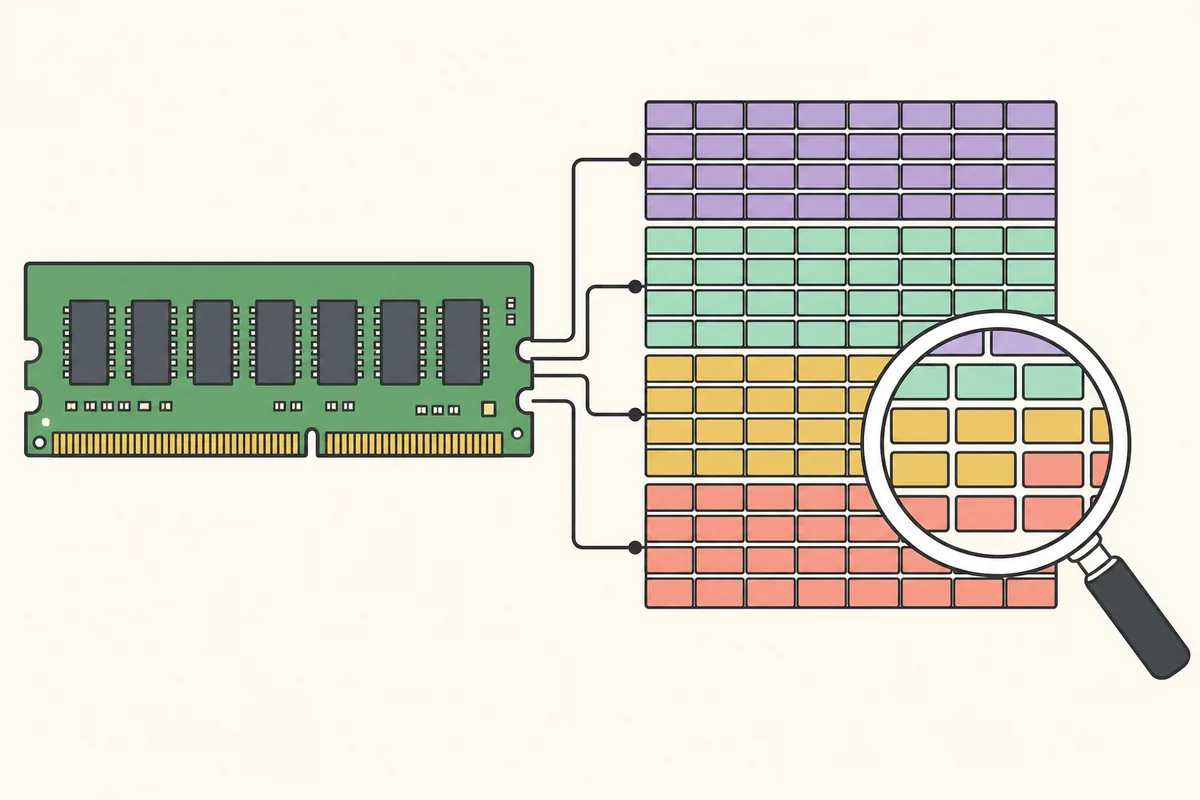
RAMMap memory types separate purpose from state. Process Private points toward process-owned pages, Mapped File often reflects file-backed cache, Nonpaged Pool belongs to resident kernel allocations and Standby usually represents reclaimable cached data. Read the row and column together before taking action.
How RAMMap memory types combine usage and page-list state
In Use Counts, a row such as Mapped File can span Active, Standby, Modified and other columns. The row identifies the page's purpose or backing. The column identifies its current state. Adding only the row total answers how much physical memory belongs to that use; reading the columns shows how much is active, cached, dirty or immediately available.
This is why a large Mapped File total can have different implications. Mostly Standby mapped pages are normally reclaimable cache. Mostly Active mapped pages are currently resident for active mappings. Modified mapped pages may need writes before reuse. Investigate the distribution, not just the largest total.
Use this RAMMap memory types reference by reading across a suspicious row, then moving to the supporting tab that can attribute it. The RAMMap memory types explained below are diagnostic categories, not independent pools that should all be reduced.
Important RAMMap memory types in Use Counts
The labels below are practical interpretations rather than a replacement for Windows Internals. Use trends and the next supporting tab to attribute a large category. Keeping the complete RAMMap memory types vocabulary together makes it easier to distinguish a use row from a page-list column.
| Usage type | What it generally represents | Useful next step |
|---|---|---|
| Process Private | Physical pages private to user-mode processes | Open Processes and compare private working sets |
| Mapped File | Resident pages backed by files or mapped data | Open File Summary and sort by Total |
| Shareable | Pages that may be shared but currently have limited sharing | Compare process and shared-code activity |
| Shared | Physical pages referenced by multiple mappings or processes | Avoid adding them independently to every process |
| Paged Pool | Kernel allocations that can be paged | Trend the value and investigate pool tags if abnormal |
| Nonpaged Pool | Kernel allocations that must remain resident | Look for sustained driver-related growth |
| Session Private | Memory associated with Windows sessions | Compare sessions and sign-in workloads |
| Metafile | File-system metadata cache | Relate growth to file enumeration or file-server activity |
| AWE | Pages allocated through Address Windowing Extensions | Identify applications intentionally using locked physical allocations |
| Large Page | Allocations using large hardware page sizes | Identify workloads or system features configured for large pages |
| Driver Locked | Pages locked by drivers or direct I/O activity | Correlate with devices, virtualization and driver behavior |
| Page Table | Memory used to map virtual address spaces | Compare process count and mapping-heavy workloads |
What high Process Private means
Process Private is physical memory attributed to private process pages. A high system total is not itself a leak; browsers, virtual machines, games, development tools and data applications can legitimately use large private working sets. Open Processes and sort relevant columns to find the major contributors.
Physical residency and committed private memory are related but different. A process can commit more virtual memory than is currently resident, and working-set trimming can reduce residency without releasing commit. Confirm a suspected leak by reproducing steady growth under a controlled action and using process-level allocation tools.
What high Mapped File means
Mapped File includes physical pages backed by files. Windows uses available RAM to cache file data, so a large total can be normal after reading large archives, databases, virtual disks or game assets. Check how much is Active versus Standby, then open File Summary and sort by Total. When Mapped File is high, check Active versus Standby and then use File Summary to find the largest files. The high Mapped File guide handles the narrower investigation, while this page keeps the RAMMap memory types vocabulary clear.
If one file dominates, ask whether the workload recently read it and whether the system is under actual memory pressure. Clearing standby pages may shrink the number but forces later reads from storage. Use the cache-clearing guide only for a controlled cold-cache test.

Active, Standby, Modified, Free and Zeroed
Active pages are currently in working sets or otherwise in active use. Standby pages retain cached contents but are available for repurposing. Modified pages contain changes that generally must be written before they can be reused. Free pages are available but have not necessarily been zeroed, while Zeroed pages are prepared for allocation without exposing prior content.
Windows moves pages among these states as workload and pressure change. A healthy system can deliberately keep Free low while maintaining a large Standby list. Available memory is therefore more informative than completely free memory for many everyday questions.
| State | Availability | Common interpretation |
|---|---|---|
| Active | Not immediately reclaimable | Currently resident and in use |
| Standby | Reclaimable when needed | Useful cached content retained for speed |
| Modified | Needs processing before reuse | Dirty data waiting for writeback or transition |
| Free | Available | Unused page not yet zeroed for a new owner |
| Zeroed | Immediately allocatable | Available page prepared for safe allocation |
| Bad | Unavailable | Hardware page marked unusable |
Read RAMMap memory types in context
Read RAMMap memory types in context by pairing the row, page-list column, workload and time. A single large number without those four details rarely identifies the owner or the appropriate next tool.
For example, Mapped File on Standby after a large file read suggests reclaimable cache, while active Process Private growth during one application action points toward that process. Nonpaged Pool growth during a device operation points toward kernel or driver investigation. These RAMMap memory types in context lead to different conclusions even when the totals are similar.
Keep the types in context when sharing a screenshot: include the selected tab, column headings, refresh time and workload description. This preserves the meaning another reader needs.
- Types by purpose: Process Private, Mapped File, pools and other use rows.
- Types by state: Active, Standby, Modified, Free and Zeroed columns.
- Types by owner: process, file, kernel component or configured workload.
- Types over time: baseline, reproduction and post-workload snapshot.
What Large Page means in RAMMap
Large pages use a larger hardware page size than normal pages and can reduce translation overhead for particular workloads. They are commonly associated with software intentionally configured for large-page privileges, virtualization, databases or performance-sensitive services. The presence of large pages is not automatically suspicious.
Large-page allocations can be less flexible than ordinary pageable memory and may remain resident according to the allocating mechanism. Identify the configured workload and compare the value before and after it starts. Do not use a standby-list command expecting it to release an unrelated large-page allocation.
Paged Pool, Nonpaged Pool and Driver Locked
Paged Pool is kernel memory eligible for paging under appropriate conditions. Nonpaged Pool must remain resident. A sustained, unexplained increase in Nonpaged Pool can indicate a driver or kernel component issue, but RAMMap alone may not attribute the responsible pool tag.
Driver Locked pages can be associated with drivers, devices, direct I/O or virtualization behavior. Capture a trend and move to PoolMon, performance counters, driver updates or Windows Performance tools as appropriate. Clearing user working sets does not repair kernel allocation growth.
When a kernel category grows continuously, preserve evidence and identify the driver or pool tag. Repeated memory clearing can hide the timeline without correcting the owner.
RAMMap memory types FAQ
Why is Mapped File so high in RAMMap?
It often means Windows is using RAM for file-backed cache. Check Active versus Standby and use File Summary before treating high Mapped File as a leak; a cache-clearing command belongs in a controlled test, not routine maintenance.
What is Process Private in RAMMap?
It is physical memory attributed to private process pages. Use Processes to find contributors and remember that resident working set is not identical to committed private virtual memory.
Is standby memory free memory?
Standby memory contains cached data but is reclaimable when Windows needs pages. It contributes to available memory even though it is not empty.
What does Large Page mean?
It identifies memory allocated with larger hardware page sizes, often by intentionally configured databases, virtualization or performance workloads.
Why is Nonpaged Pool high?
Nonpaged Pool contains resident kernel allocations. Sustained growth can require pool-tag and driver investigation rather than cache clearing.
Inspect these categories in RAMMap v1.63
Download the current Microsoft archive and begin on Use Counts.